

How Can Contextual Feed Placements Transform the Consumer Journey Across Your Website or App?
Most websites still rely on static content layouts. However, modern consumer journeys are dynamic and personalized. Users expect content that adapts to their interests, behaviors, and stage in the buying journey.
Genuin’s Contextual Feed Placements enable brands to embed dynamic video experiences across their digital ecosystem, ensuring that the right content appears at the right moment.
What Are Contextual Feed Placements?
Contextual placements are curated and personalized video feeds embedded into specific areas of your website or mobile app.
These feeds are dynamically generated based on:
- consumer behavior
- product categories
- page context
- brand taxonomy
The goal is to create contextual continuity, a seamless video discovery experience across the entire user journey.
Key Capabilities
| Feature | Description |
|---|---|
| Contextual Video Curation | Videos dynamically matched to page context |
| Consumer Journey Mapping | Content appears at the right stage of interaction |
| Creator + Brand Content | Combine UGC, creators, and brand videos |
| Shoppable Video Integration | Add linkouts to product pages |
| Flexible Layouts | Feed, carousel, or grid placements |
Step-by-Step: Creating Contextual Placements
All contextual placements are created through the Brand Control Center.
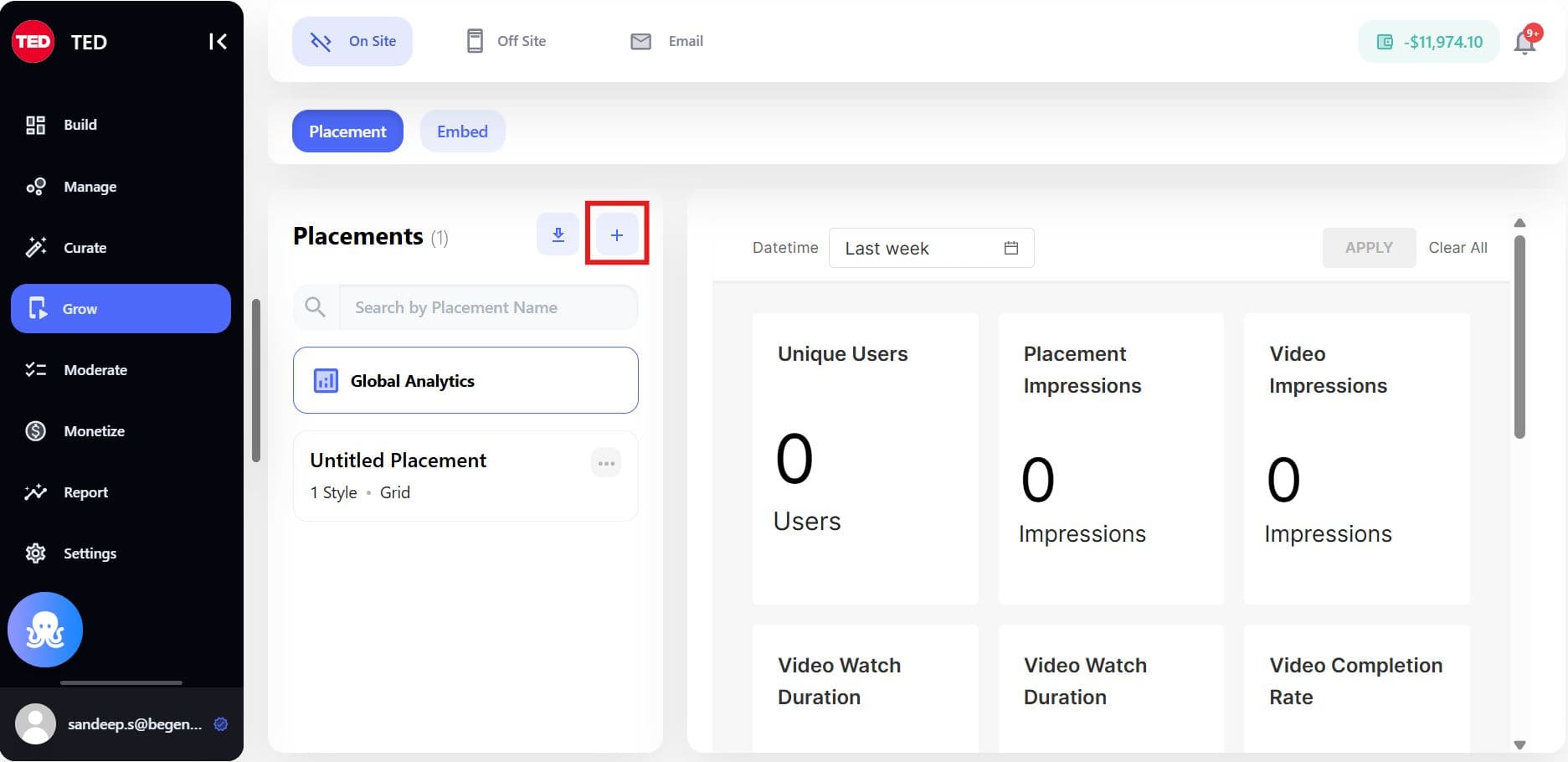
Step 1: Create a Placement Style
Click: + Create New Placement
Provide a style name such as:
- Homepage Discovery
- PDP Product Reviews
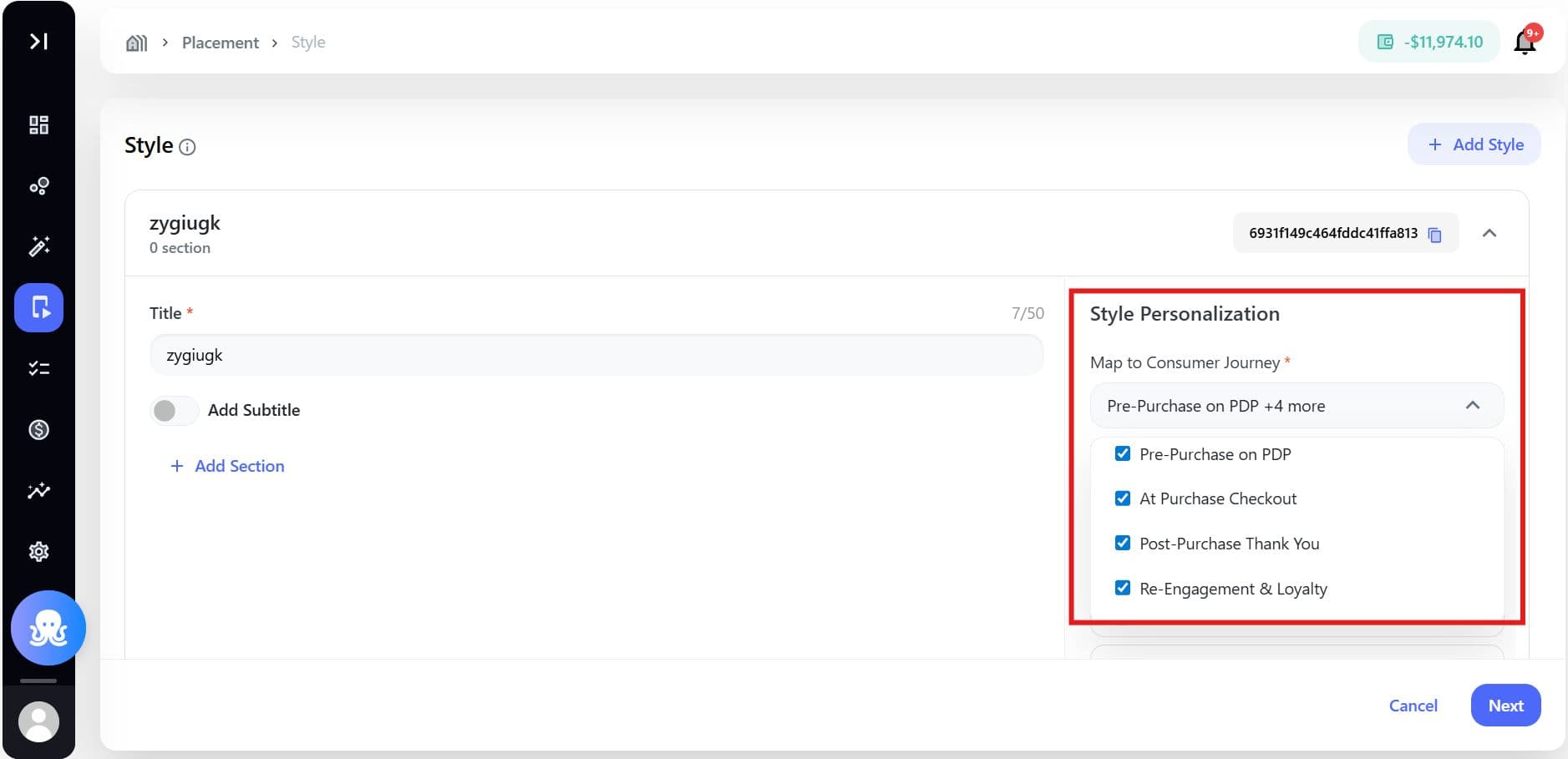
Map the Consumer Journey
Define where the content will appear within the customer lifecycle.
| Journey Stage | Purpose |
|---|---|
| Pre-purchase | Inspire product discovery |
| Checkout | Reinforce confidence |
| Post-purchase | Drive loyalty |
| Re-engagement | Encourage return visits |
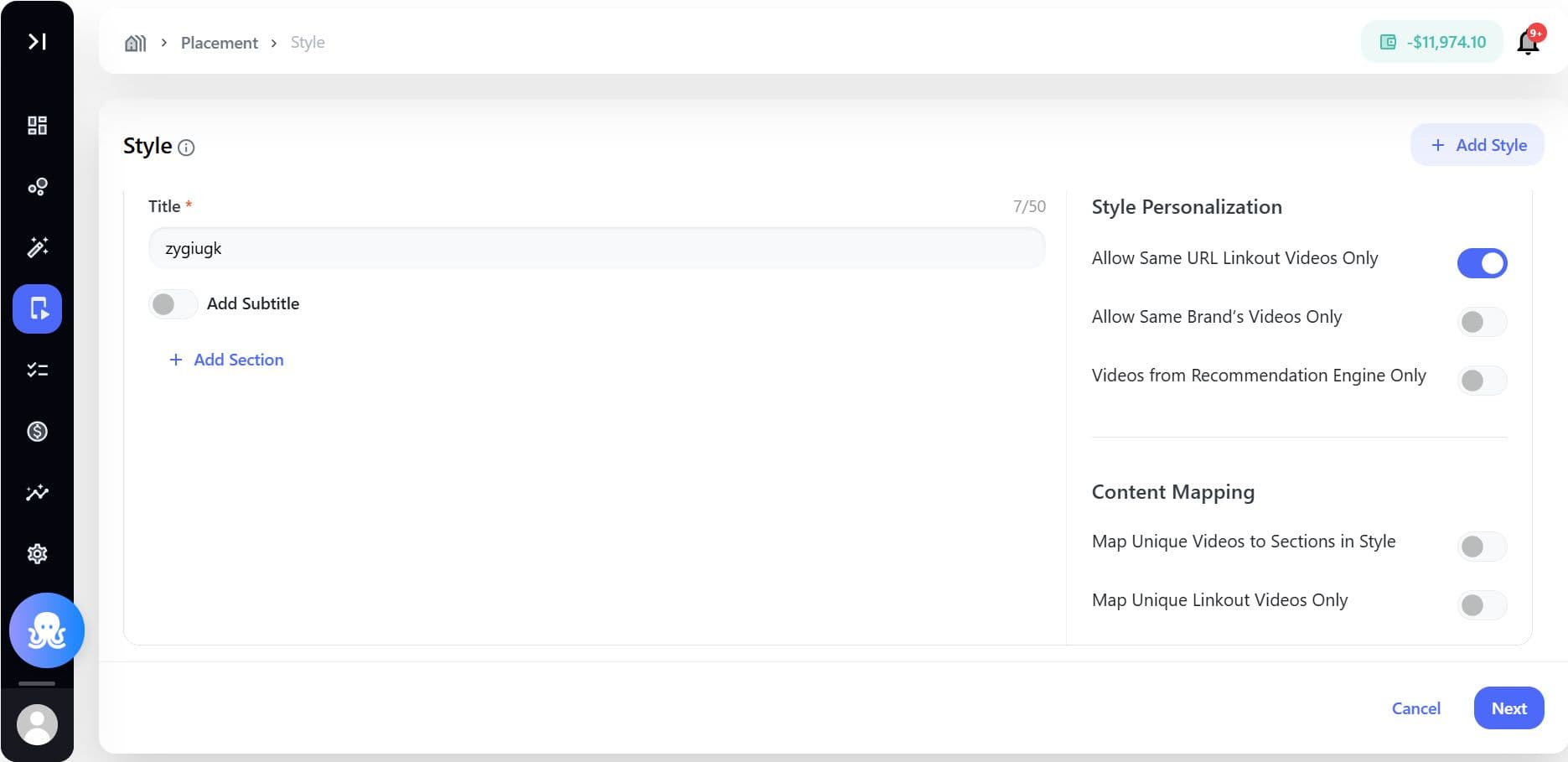
Define Content Categories
Map topics, keywords, or categories that determine which videos appear in the placement.
Example:
- skincare tutorials
- product reviews
- brand campaigns
Apply Content Mapping Rules
Examples include:
| Rule | Function |
|---|---|
| Pinned Videos | Highlight priority content |
| Same Product Videos | Show videos linked to the same product page |
| Same Brand Content | Show videos featuring the current brand |
| Recommendation Engine | Import video recommendations from external systems |
Once configured, save the placement style.
A Style ID is generated automatically.
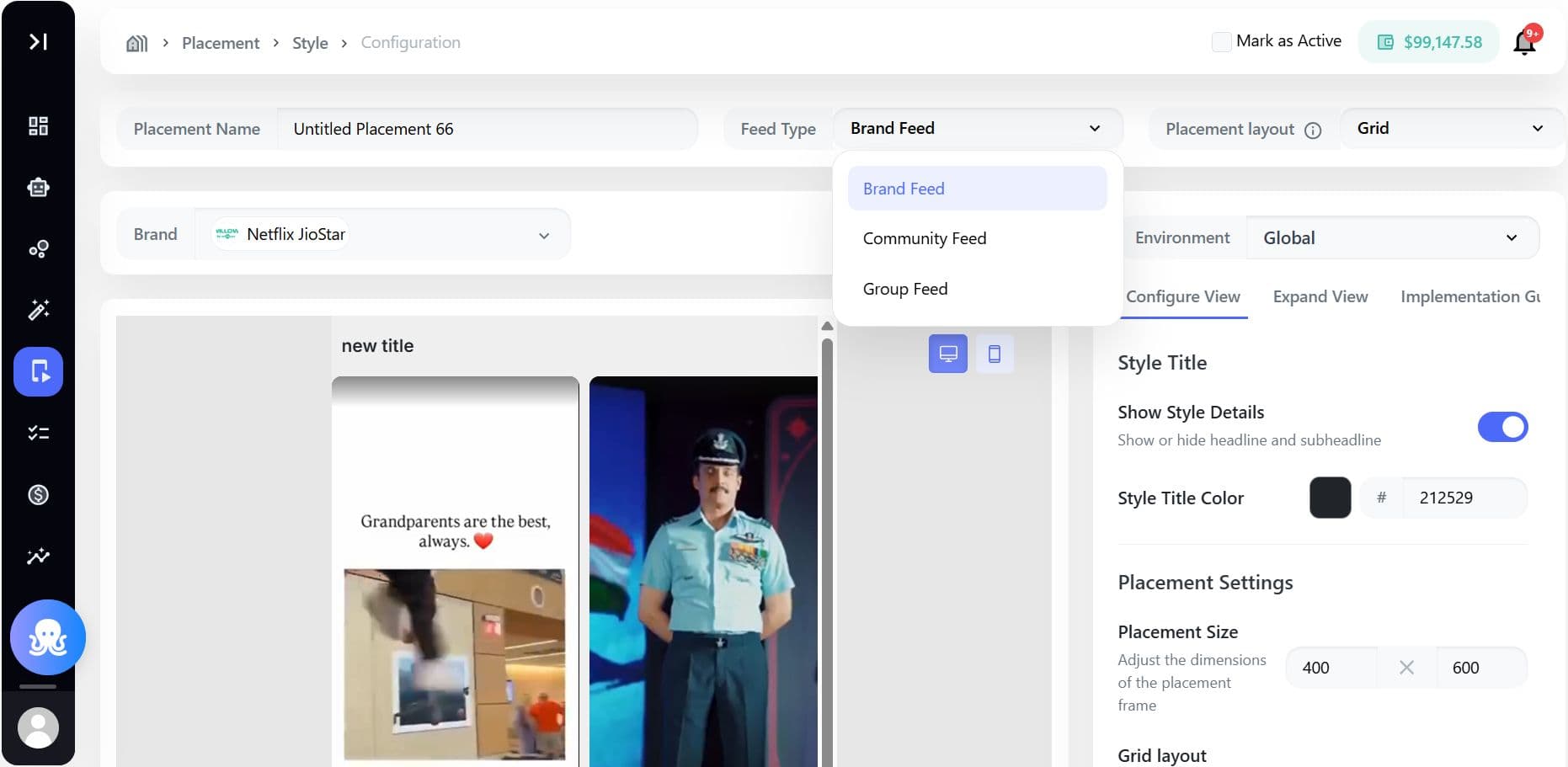
Step 2: Configure the Placement
Next, configure the placement that will use the style.
Define:
- Environment: Web or Mobile App
- Feed Type: Brand, Community, or Group feed
- Layout: Dynamic, Feed, Carousel, or Grid
Enable Engagement Features
Optional settings include:
| Feature | Purpose |
|---|---|
| Linkout Buttons | Send users to product pages |
| Redirection | Navigate users to deeper content |
| Auto-play | Start videos automatically |
| CTA Buttons | Add actions like “Shop Now” or “Join” |
Once saved, the system generates an embed code or SDK placement ID.
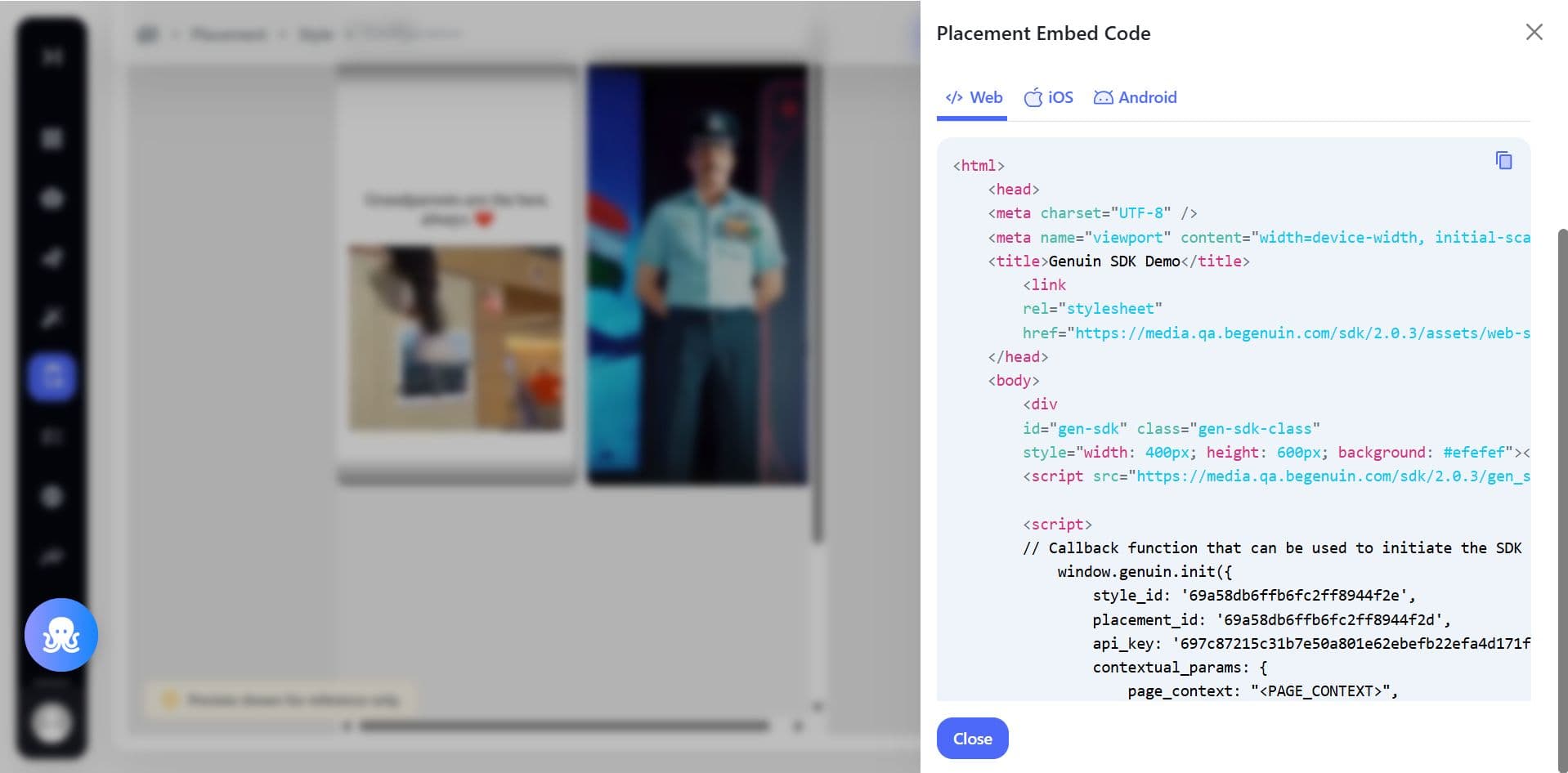
Where to Use Contextual Placements
Strategic placement is key to maximizing engagement.
Homepage
The homepage introduces users to your brand’s content ecosystem.
Recommended format:
- Carousel or Grid
Use cases:
- trending content
- seasonal campaigns
- creator highlights
Category Pages
These pages help users explore products by topic or brand.
Recommended format:
- Feed or Carousel
Use cases:
- product reviews
- tutorials
- trending items
Product Detail Pages (PDP)
This is where buying decisions happen.
Recommended format:
- Carousel or vertical feed
Use cases:
- product demonstrations
- real customer reactions
- unboxing videos
Discovery Pages
Discovery pages allow users to explore large volumes of content.
Recommended format:
- full vertical feed
Use cases:
- creator discovery
- themed video collections
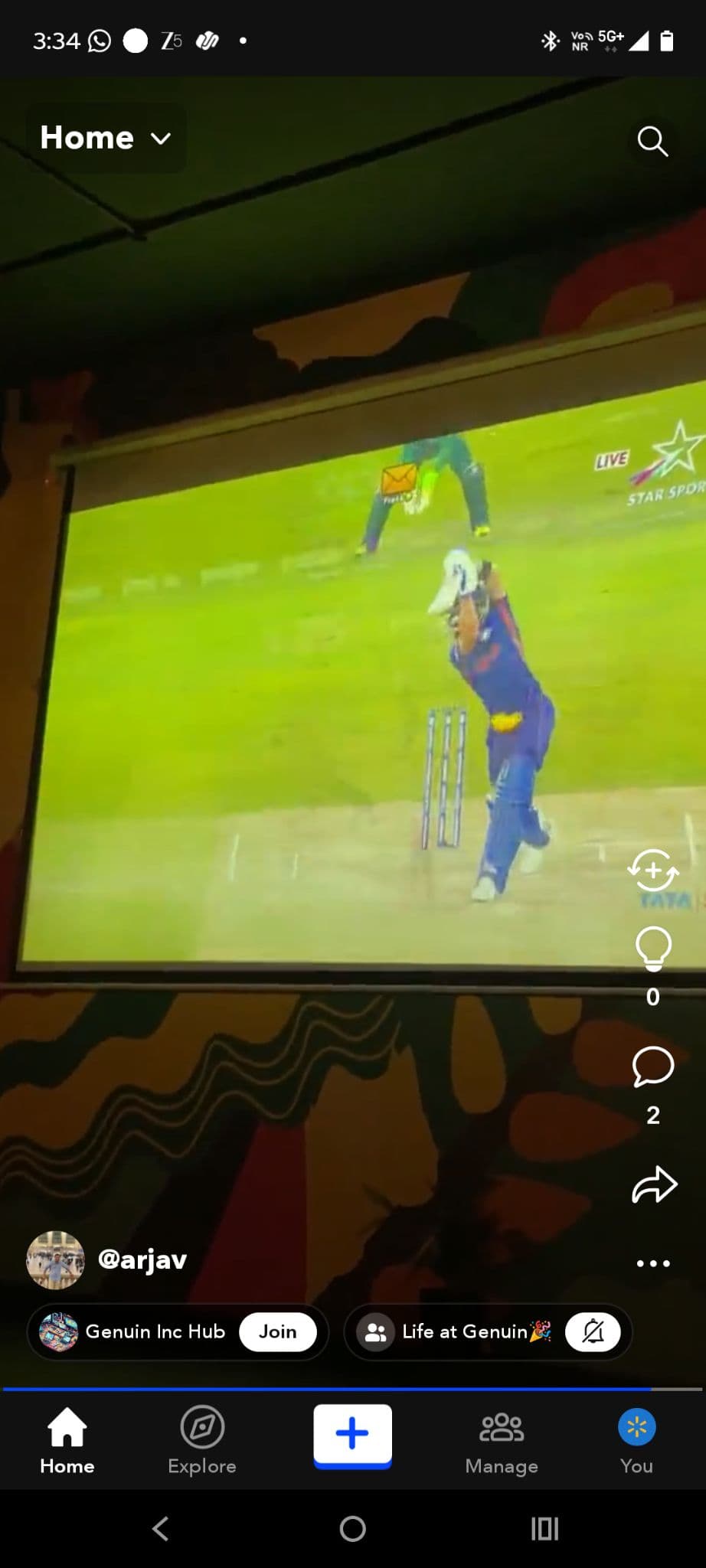
Mobile App Navigation Tabs
A standalone feed can exist as its own tab in mobile apps.
Recommended format:
- full-screen vertical feed
Use cases:
- daily video discovery
- creator communities
Feed Types Available
| Feed Type | Purpose |
|---|---|
| Brand Feed | Content produced by the brand |
| Community Feed | Mix of brand and community videos |
| Group Feed | Videos related to a specific topic |
Layout Types
| Layout | Experience | Best Use Case |
|---|---|---|
| Feed | Vertical scroll | immersive discovery |
| Carousel | Horizontal scroll | homepage or PDP modules |
| Grid | Categorized content blocks | topic-based browsing |
Benefits of Contextual Placements
For Brands
- Turn static pages into dynamic media experiences
- Increase product discovery and conversion
- Monetize content through ads or affiliate links
For Consumers
- Discover relevant content at the right time
- Learn through authentic creator experiences
- Explore products more naturally
Final Thoughts
Contextual feed placements transform traditional websites into video-driven discovery ecosystems.
By embedding personalized feeds throughout your consumer journey, brands can create experiences that are:
- more engaging
- more personalized
- more conversion-focused.
